Searching for music
This guide covers how to effectively search for compositions and other materials in AllanaCrusis using both basic and advanced search features.
Table of contents
Search tips
- Use partial terms: “Beethoven” will find “Beethoven, Ludwig van”
- Try different spellings: The system is flexible with variations
- Use catalog numbers: Direct lookup with C###, M###, or X### format
- Combine terms: “Christmas March” will find relevant pieces
Search results
Results display:
- Composition title and composer
- Catalog number and genre
- Ensemble and grade level
- Quick action buttons
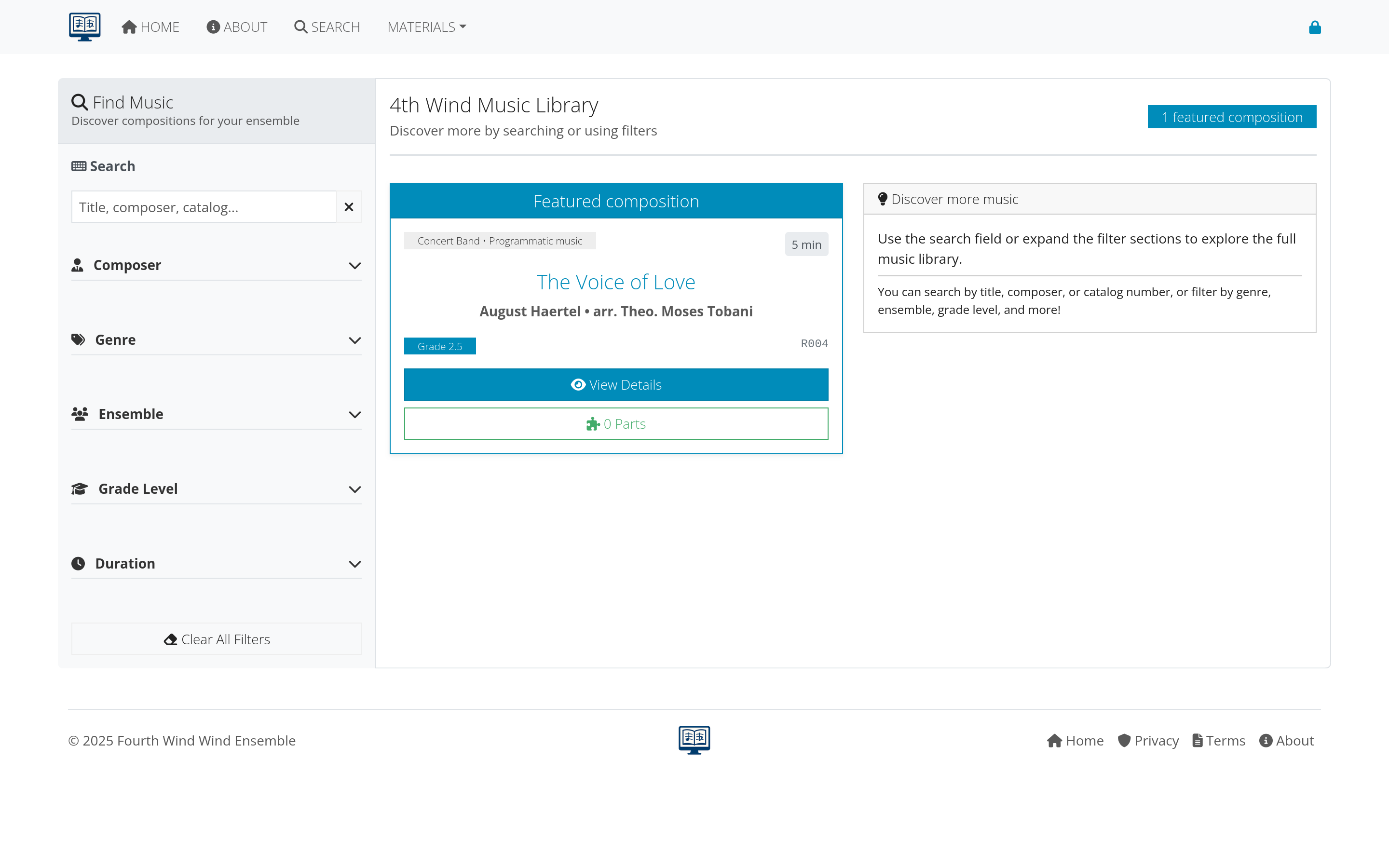 Figure 1: Global search bar and typical search results
Advanced search features
For more detailed searching:
- Multiple filter criteria
- Instrumentation requirements
- Grade level ranges
- Duration filters
Figure 2: Advanced search with detailed filtering options
Next steps
With search capabilities understood:
- Learn about compositions - Understand how musical works are organized
- Explore supporting data - See how data enhances search
- Getting started - Return to the main getting started guide
Continue to the next section: Compositions to learn about managing musical works.